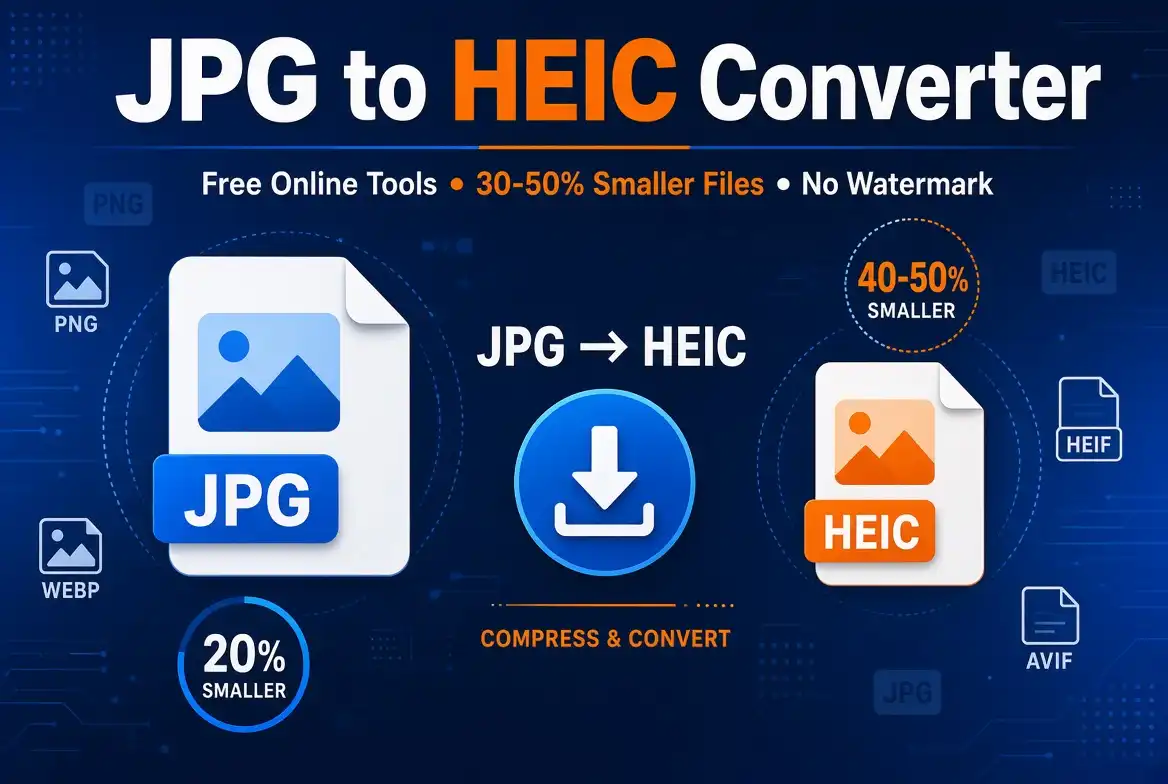
Learn how to convert JPG images to HEIC online, understand the advantages of the HEIC format, compare JPG and HEIC, and choose the right conversion method for your needs.
JPG has been one of the most widely used image formats for decades. It is supported by almost every device, operating system, browser, and image editing application.
However, modern devices have increasingly adopted more efficient image formats. One of the most recognizable alternatives is HEIC, a format closely associated with Apple's modern photo ecosystem.
HEIC can provide high image quality while using less storage space than traditional JPG files in many situations. This makes it attractive for smartphones, photography workflows, cloud storage, and modern digital media libraries.
If you have an existing collection of JPG photos and want to use HEIC, you may be searching for a simple JPG to HEIC converter. This guide explains how JPG-to-HEIC conversion works, what to look for in an online tool, and how to avoid common problems.
What Is HEIC?
HEIC stands for High Efficiency Image Container. It is a container format based on the High Efficiency Image File Format (HEIF) standard and is commonly associated with images encoded using modern compression technologies.
Apple introduced HEIF/HEIC as a default photo format on supported devices starting with iOS 11 and macOS High Sierra. The goal was to provide high-quality images using less storage than older formats such as JPG.
HEIC files can also support capabilities beyond a basic JPEG image, depending on the software and encoding process used.
What Is JPG?
JPG, also written as JPEG, is a widely supported image format developed around the JPEG image compression standard.
Its biggest advantage is compatibility. JPG images can be opened on virtually every modern computer, smartphone, browser, and image editor.
JPG is especially common for photographs on websites, social media, digital cameras, documents, and general file sharing.
JPG vs HEIC: What's the Difference?
Both JPG and HEIC can store photographs, but they use different approaches to image compression and storage.
| Feature | JPG | HEIC |
|---|---|---|
| Compression efficiency | Good | Generally more efficient |
| Compatibility | Excellent | More limited |
| Typical file size | Larger at comparable quality | Often smaller at comparable quality |
| Common use | Web, sharing, cameras | Modern smartphones and photo libraries |
| Transparency | No | Can support advanced image capabilities |
| Best compatibility | Excellent | Depends on device and software |
Why Convert JPG to HEIC?
There are several reasons someone might want to convert an existing JPG collection into HEIC.
Reduce Storage Usage
HEIC can provide efficient compression, which can result in smaller files while maintaining good visual quality.
Modern Photo Workflows
HEIC fits naturally into workflows built around newer smartphones and operating systems that support the format.
Maintain Image Quality
Modern HEIC encoding can offer a useful balance between image quality and file size.
Optimize Photo Libraries
Converting selected photographs may help reduce the storage footprint of large image collections.
How to Convert JPG to HEIC Online
An online JPG-to-HEIC converter is usually the easiest option when you only need to convert a few images and do not want to install dedicated software.
Choose a JPG to HEIC Converter
Start by choosing an online converter that supports JPG as the input format and HEIC as the output format.
Before uploading personal or confidential images, review the service's privacy policy and file-handling practices.
Upload Your JPG Image
Select the JPG or JPEG image you want to convert. Some tools allow multiple files to be uploaded at once, while others process images individually.
For the best result, begin with an original or high-quality JPG rather than an image that has already been heavily compressed.
Select HEIC as the Output Format
Choose HEIC as the output format if the converter provides multiple image-format options.
Some services may label the option as HEIF or HEIC. Check the tool's documentation if you are unsure which format is being generated.
Start the Conversion
Click the conversion button and allow the tool to process your image. Conversion time depends on the image size, number of files, browser, device, and the particular service being used.
Download the HEIC File
Once the conversion is complete, download the HEIC file and open it on your target device or application.
It is a good idea to test the resulting file before deleting your original JPG image.
How to Choose a Good JPG to HEIC Converter
Not every online image converter offers the same experience. When choosing a tool, consider more than just whether it can convert one format to another.
- Format support: Confirm that both JPG input and HEIC output are supported.
- Image quality: Check whether the service provides quality or compression controls.
- File limits: Look for restrictions on file size or the number of images.
- Privacy: Review how uploaded images are stored, processed, and deleted.
- Ease of use: A simple interface can save time.
- Batch conversion: Useful when converting many images.
- Download options: Check whether converted files can be downloaded easily.
Can You Convert Multiple JPG Files to HEIC?
Yes, depending on the converter. Some online tools support batch image conversion, allowing multiple JPG files to be processed together.
Batch conversion is particularly useful if you have a large photo collection or need to convert many images for a specific device or application.
Does JPG to HEIC Conversion Reduce Image Quality?
Potential quality loss depends on the conversion settings and the encoder used by the particular tool.
JPG is already a lossy image format in most common uses. Converting a previously compressed JPG into another compressed format cannot recreate details that were lost when the original JPG was created.
For important photographs, always keep the original source file and compare the converted image before replacing your existing files.
JPG to HEIC File Size
One reason users are interested in HEIC is its potential storage efficiency. A properly encoded HEIC image can often provide a smaller file than a JPG while maintaining similar perceived quality.
However, the exact size difference depends on the original image, dimensions, quality settings, encoder, and content.
Do not assume that every HEIC file will automatically be smaller. The best approach is to compare the actual output files.
HEIC Compatibility: What You Need to Know
HEIC's biggest disadvantage compared with JPG is compatibility.
Apple devices generally have strong native support for HEIC, while support on other platforms can vary depending on the operating system, browser, application, and installed codecs.
If you frequently share images with people using different devices, JPG can still be the safer choice because of its near-universal compatibility.
When Should You Use JPG Instead of HEIC?
HEIC is not automatically better for every situation.
Choose JPG when compatibility is more important than storage efficiency. For example, websites, older software, online forms, and applications that do not support HEIC may work better with JPG.
- Sharing images with unknown devices
- Uploading images to older websites
- Using legacy photo software
- Publishing images on platforms requiring JPG
- Working with systems that do not support HEIC
When Is HEIC a Better Choice?
HEIC can be useful when your devices and applications fully support the format and you want better storage efficiency.
- Modern Apple photo libraries
- Mobile photography
- Large personal photo collections
- Storage-conscious workflows
- Applications that specifically support HEIC
JPG to HEIC Conversion on Windows
Windows users have several options for working with HEIC files. Depending on the version of Windows and installed applications, native support may vary.
If you only need occasional conversions, an online JPG-to-HEIC converter can be more convenient than installing additional software.
For frequent offline conversion, dedicated image-processing software may be more practical.
JPG to HEIC Conversion on Mac
Mac users can work with HEIC through Apple's built-in image ecosystem and compatible applications.
For occasional conversions, an online converter can still be convenient, especially when you need a quick conversion without changing your existing workflow.
JPG to HEIC on iPhone
iPhones use HEIF/HEIC extensively on supported versions of iOS. If your existing images are JPG files, you may need a conversion tool when you want to move them into a HEIC-based workflow.
For regular photography, iPhone users can also review the camera's format settings to determine whether photos are captured using High Efficiency or a more compatible format.
Common Problems When Converting JPG to HEIC
HEIC File Will Not Open
The destination device or application may not support HEIC. Try opening the file with software that supports the format or convert it back to JPG.
The Converted File Is Larger
File size depends on encoding settings. A HEIC file is not guaranteed to be smaller than every JPG.
Image Quality Looks Different
The converter may use different compression settings. Compare the output with your original JPG and look closely at fine details.
Metadata Is Missing
Some converters may not preserve EXIF metadata, including information such as camera settings, date, location, or orientation. Check the tool's metadata behavior if this information matters to you.
How to Preserve the Best Image Quality
If image quality is important, follow these simple practices:
- Start with the highest-quality JPG available.
- Avoid repeatedly converting the same image between formats.
- Use a converter that provides quality controls when available.
- Keep the original JPG as a backup.
- Compare the converted image at 100% zoom.
- Check important details such as text, faces, edges, and fine textures.
Is an Online JPG to HEIC Converter Safe?
The answer depends on the service you use. An online converter requires you to upload your image to a website, so privacy practices should be considered before using it for sensitive material.
For ordinary photographs, a reputable service may be perfectly suitable. For confidential documents or private photographs, consider whether local offline conversion would be more appropriate.
Online Converter vs Desktop Software
| Feature | Online Converter | Desktop Software |
|---|---|---|
| Installation | Usually not required | Required |
| Quick occasional conversions | Excellent | Good |
| Large batch processing | Depends on tool | Usually better |
| Offline use | No | Yes |
| Privacy control | Depends on service | Usually stronger |
| Ease of use | Very easy | Varies |
Is JPG to HEIC Conversion Free?
Many online image converters offer free JPG-to-HEIC conversion, although features and limitations vary between services.
Free tools may place restrictions on file size, number of conversions, batch processing, or advanced quality settings.
Always check the converter's current limits before processing a large collection of images.
Frequently Asked Questions
How do I convert JPG to HEIC for free?
Use an online JPG-to-HEIC converter that supports HEIC output. Upload your JPG, select HEIC, start the conversion, and download the resulting file.
What is the best JPG to HEIC converter?
The best converter depends on your requirements. Look for reliable HEIC output, good image quality, reasonable file limits, privacy protection, simple controls, and support for batch conversion if you need it.
Is HEIC better than JPG?
HEIC can provide better storage efficiency and advanced capabilities, while JPG offers much broader compatibility. The better format depends on how you plan to use and share your images.
Does converting JPG to HEIC make the file smaller?
It can, but it is not guaranteed. File size depends on image content, dimensions, compression settings, and the encoder used during conversion.
Can I convert multiple JPG files to HEIC?
Yes, if the converter supports batch processing. Check the service's file count and size limitations before uploading a large number of images.
Can I convert HEIC back to JPG?
Yes. HEIC-to-JPG conversion is widely supported by online converters and image applications when you need a more universally compatible format.
Will my JPG metadata be preserved?
Not necessarily. Metadata preservation varies between converters. If EXIF data is important, verify the service's metadata policy before conversion.
Ready to Convert Your Images?
If you need to change JPG images into HEIC for a modern photo workflow, choose a converter that provides the right balance of image quality, compatibility, privacy, and ease of use.
For occasional conversions, an online tool can be the fastest approach. For large or sensitive image collections, desktop software may provide greater control.
Final Thoughts
Converting JPG to HEIC can be useful when you want a more modern image format and potentially improved storage efficiency. HEIC is particularly valuable when your devices and applications support it properly.
However, JPG remains one of the safest choices for compatibility. Before converting a large image collection, consider where the images will be stored, edited, shared, or uploaded.
For the best results, keep your original JPG files, test a few conversions, check the resulting quality and file size, and make sure your target devices can open HEIC files.
Whether you choose an online converter or desktop software, understanding the differences between JPG and HEIC will help you choose the format that best fits your workflow in 2026.

Comments (0)
Leave a Comment